

-
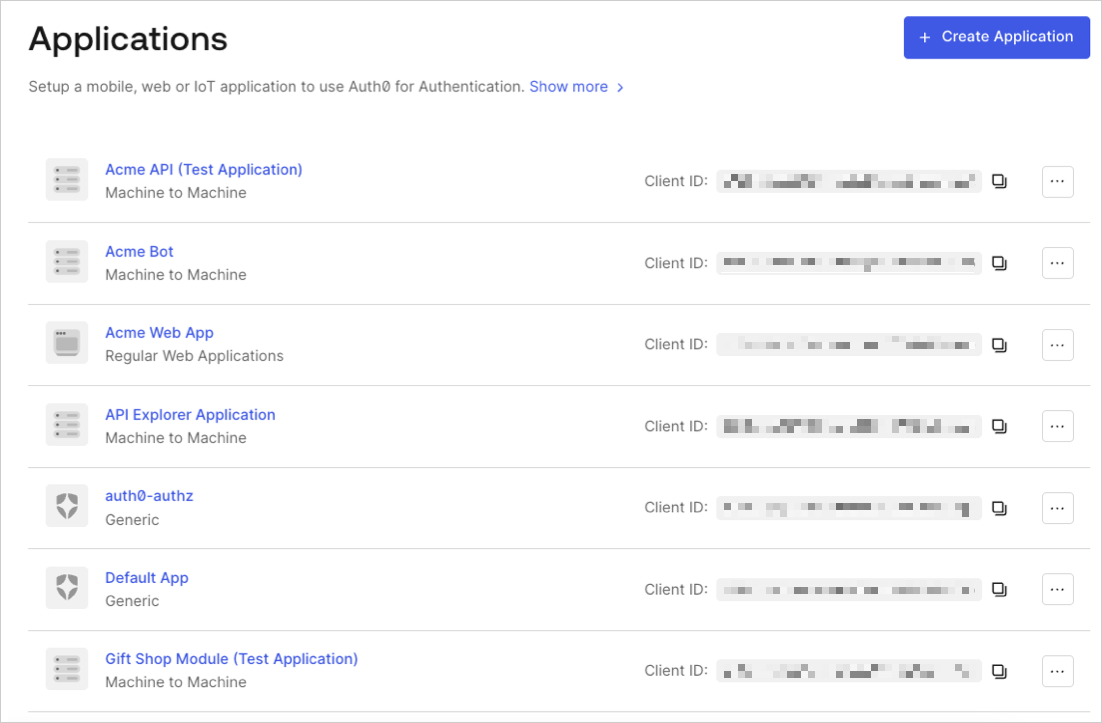
Go to Dashboard > Applications and click the name of the application to view.
- Click the Connections tab, and enable or disable the appropriate connections for the application.
Third-party applications can authenticate users through connections promoted to domain level or connections explicitly mapped to the application. To learn more, read Promote Connections to Domain Level.