

- Auth0 Dashboard
- Management API
You can promote a connection to the domain level directly from the Auth0 Dashboard. This option is available for all connection types (Database, Social, Enterprise, and Passwordless).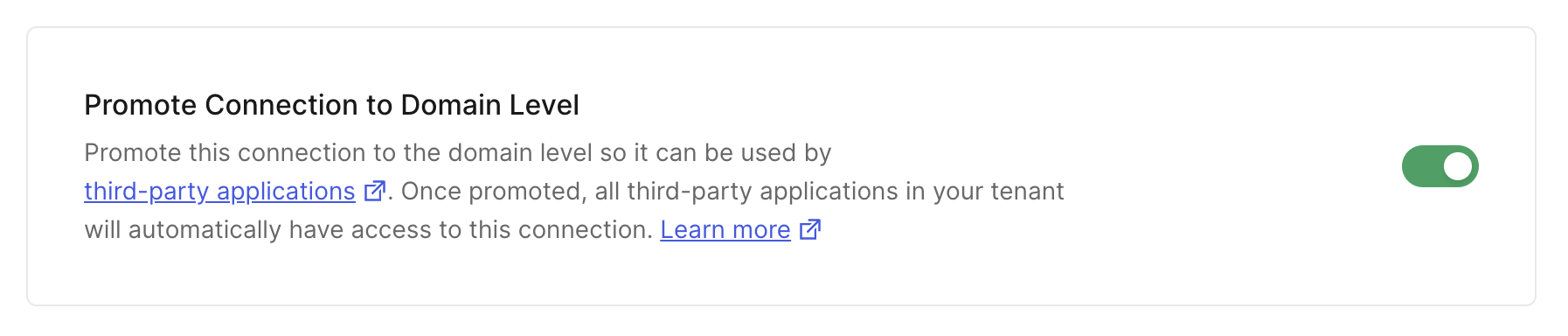
- Navigate to Dashboard > Authentication and select the connection type (e.g., Database, Social, Enterprise).
- Create a new connection or select an existing one to configure.
- Go to the Settings tab.
- Scroll down to find the Promote Connection to Domain Level setting, which is typically in the Advanced section.
- Enable the toggle switch.
- Click Save Changes.